
What Is a WhatsApp Chatbot?
A WhatsApp chatbot is an automated conversation flow that responds to customer messages without a human agent. When built on the official WhatsApp Business API, chatbots can handle structured flows — greetings, FAQ answers, lead qualification, appointment booking, order status — and seamlessly hand off to a live agent when needed.
Unlike chatbots built on unofficial WhatsApp Web tools (which risk number bans), API-based chatbots are sanctioned by Meta, reliable at scale, and do not put your number at risk.
What You Can Build with Tenreply Automations
Tenreply's flow builder lets you create chatbots without writing code. Each flow consists of a trigger and a sequence of steps:
- Triggers: Welcome message (first contact), keyword match (e.g. "price", "hello"), any message, opt-in
- Steps: Send text, send image, ask a question and capture the reply, show interactive buttons, send a link, delay, hand off to human agent
Step-by-Step: Build Your First Chatbot
Step 1: Plan Your Flow
Map out the conversation on paper first. For a lead qualification bot:
- Customer says "Hi" → Bot greets and asks "What are you looking for?"
- Customer replies → Bot asks for name, company, and budget
- Bot confirms details and assigns to sales agent
Keep it under 5 steps — longer flows see drop-offs.
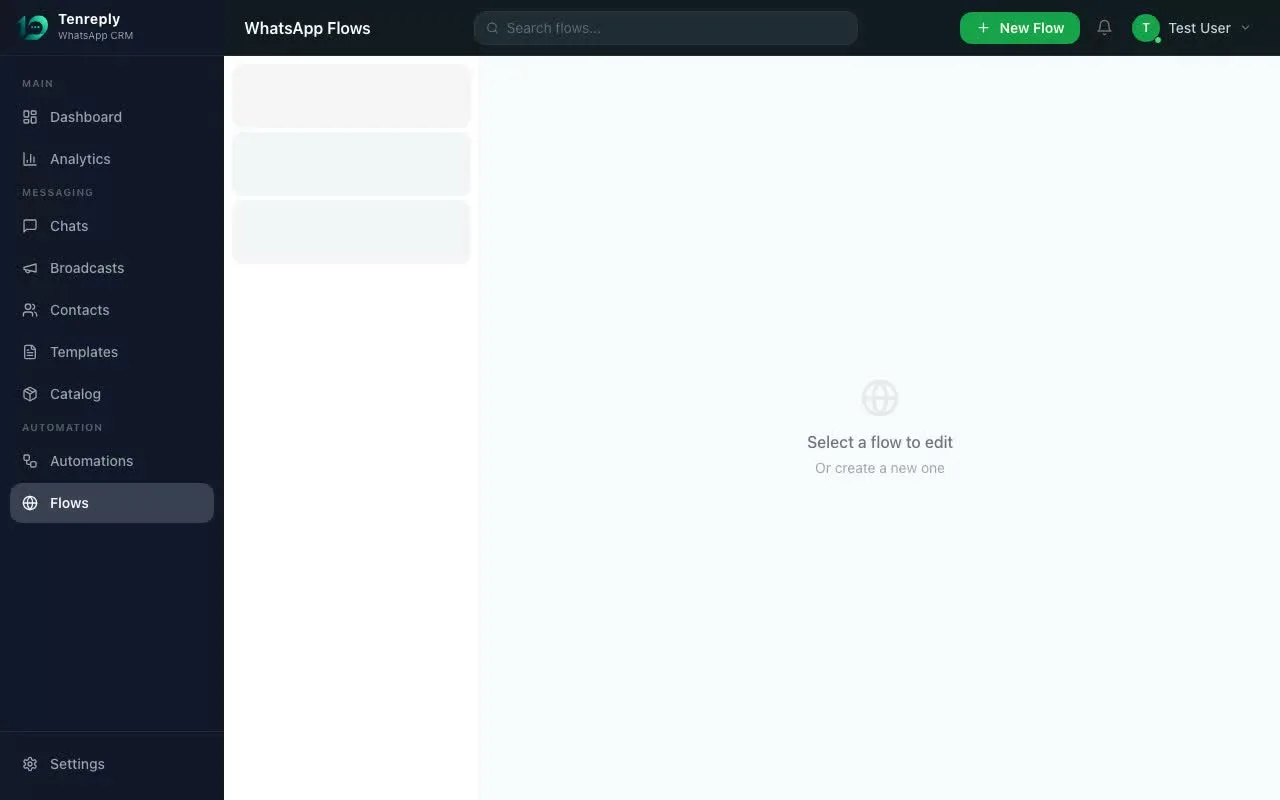
Step 2: Open Automations in Tenreply
Log in to Tenreply, go to Automations in the sidebar, and click + New Flow.
Step 3: Set Your Trigger
Choose Welcome Message to fire when someone messages for the first time, or Keyword to trigger on a specific word like "start", "hello", or "price".
Step 4: Add Steps
Click + Add Step:
- Message: send a text or image
- Question: send a message and wait for the reply (Tenreply captures the reply as a variable)
- Buttons: show 2–3 interactive button options
- Choice List: show up to 10 options in a scrollable list
Chain steps in sequence. Use Questions to collect data (name, email, budget) that can be stored on the contact's profile.
Step 5: Add a Handoff Step
At the end of qualification, add a Message step: "Thanks! One of our team members will be with you shortly." This lets the human agent take over the conversation in the shared inbox.
Step 6: Activate
Click Activate Flow. The chatbot is live immediately. Test it by messaging your WhatsApp number from a personal phone.
Advanced: Meta Flows (Native WhatsApp UI)
For multi-screen forms inside WhatsApp (booking appointments, registrations, surveys), Tenreply supports Meta Flows — native interactive screens that look like an app inside WhatsApp. These require creating a Flow in Tenreply's Meta Flows builder and attaching it to a template.
Best Practices
- Always offer an escape ("Reply AGENT to talk to a person")
- Keep automated messages short — under 160 characters where possible
- Do not send more than 3 automated messages without waiting for a reply
- Test every path before activating, including edge cases (unexpected replies)