
Manage every WhatsApp template in one place
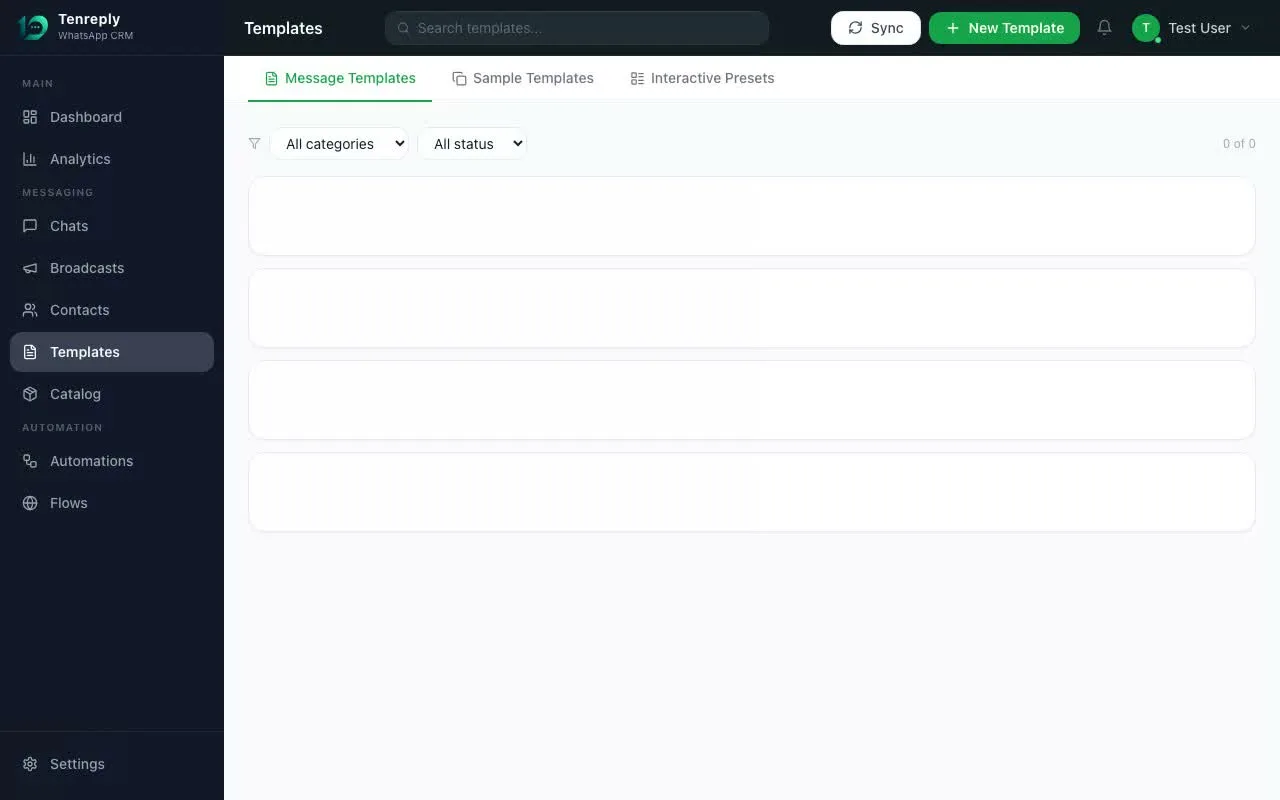
Create, preview, submit, organize and reuse WhatsApp message templates without switching to Meta Business Manager. See approval status and rejection reasons in the same workspace your team sends from.
Reviewer experience: builds and operates Tenreply’s WhatsApp template, Cloud API, webhook, broadcast, sequence, and agent-composer integrations.
Template workflow compared
| Approach | Strength | Operational gap |
|---|---|---|
| Meta management interface | Direct platform control | Separate from the inbox, sequences, and campaign workflow |
| Spreadsheet plus manual submission | Simple drafting and review | Status, variants, ownership, and live usage drift quickly |
| Tenreply template manager | Editor, preview, status, and reuse beside the sending workflow | Meta still controls approval, policy, category, and delivery quality |
Decision tree
- Does only one person manage a few stable templates?Yes: Meta’s interface may be enough. No: centralize ownership and status.
- Do agents, broadcasts, and sequences reuse the same messages?Yes: require one approved inventory connected to each workflow. No: keep the system proportionate.
- Can the team see which approved version is live?Yes: test variables and replacement. No: fix governance before adding more templates.
Template-governance calculation
Questions customers ask
What does a WhatsApp template manager do?
It creates, previews, submits, organizes, and monitors approved message templates, then makes those templates available to agents, broadcasts, sequences, and automations.
Can a template manager guarantee Meta approval?
No. It can validate structure, show realistic previews, and surface rejection reasons, but Meta applies the approval and ongoing quality rules.
When does an agent need a template?
A common case is contacting a customer after the customer-service window has closed. Use the current Meta documentation and policy for the exact message rules.
Primary sources
Create and preview templates visually
Compose the header, body, footer and buttons with a WhatsApp-style preview beside the editor. Add {{1}}-style variables with realistic sample values, choose marketing, utility or authentication, and create language variants without editing JSON.
Submit and track approval
Send a template to Meta review straight from Tenreply. Pending, approved, paused and rejected states sync back automatically, including the rejection reason, so your team never has to reconcile two separate template lists.
Find the right template when the 24-hour window closes
Search and filter by name, language, category and approval status. Agents can insert an approved template directly from the conversation composer when free-form messaging is no longer allowed, with the customer fields filled at send time.
Reuse one approved template everywhere
The same approved template powers broadcasts, sequences, automations and agent replies outside the 24-hour window. Central management prevents teams from creating near-duplicates and makes it clear which version is live in each workflow.
Works together with
Try Template Manager today
The full platform: shared inbox, automation, CRM and social publishing.
Get started →