Reviewer experience: Builds and operates Tenreply’s WhatsApp Cloud API, template, webhook, inbox, automation, and analytics integrations.
Review boundary: Source-checked technical guidance, not legal or tax advice. No independent legal review is claimed.
Quick comparison
Decision point
Option or strength
Trade-off or alternative
What to verify
Rules
Predictable and auditable
Limited to anticipated paths
Use for stable processes.
AI
Handles varied language
Can produce unsupported answers
Ground, evaluate, and constrain it.
Human
Judgement and exceptions
Higher cost and slower at volume
Make handoff immediate.
Decision tree
1. Is the job repeated, measurable, and low risk?Yes: Map the happy path and stop conditions.No: Keep it with a person or narrow the scope.
2. Can facts come from a trusted system or approved content?Yes: Automate the response or preparation.No: Collect context and hand off instead.
3. Can the customer reach a person quickly?Yes: Pilot with transcript review.No: Add escalation before launch.
Broadcast economics example
For 10,000 recipients, 92% delivery gives 9,200 delivered messages. A 3% reply rate produces 276 conversations. If 12 agents each handle six replies an hour, first-pass capacity is 72 per hour—nearly four hours before follow-ups, assuming arrivals are evenly distributed.
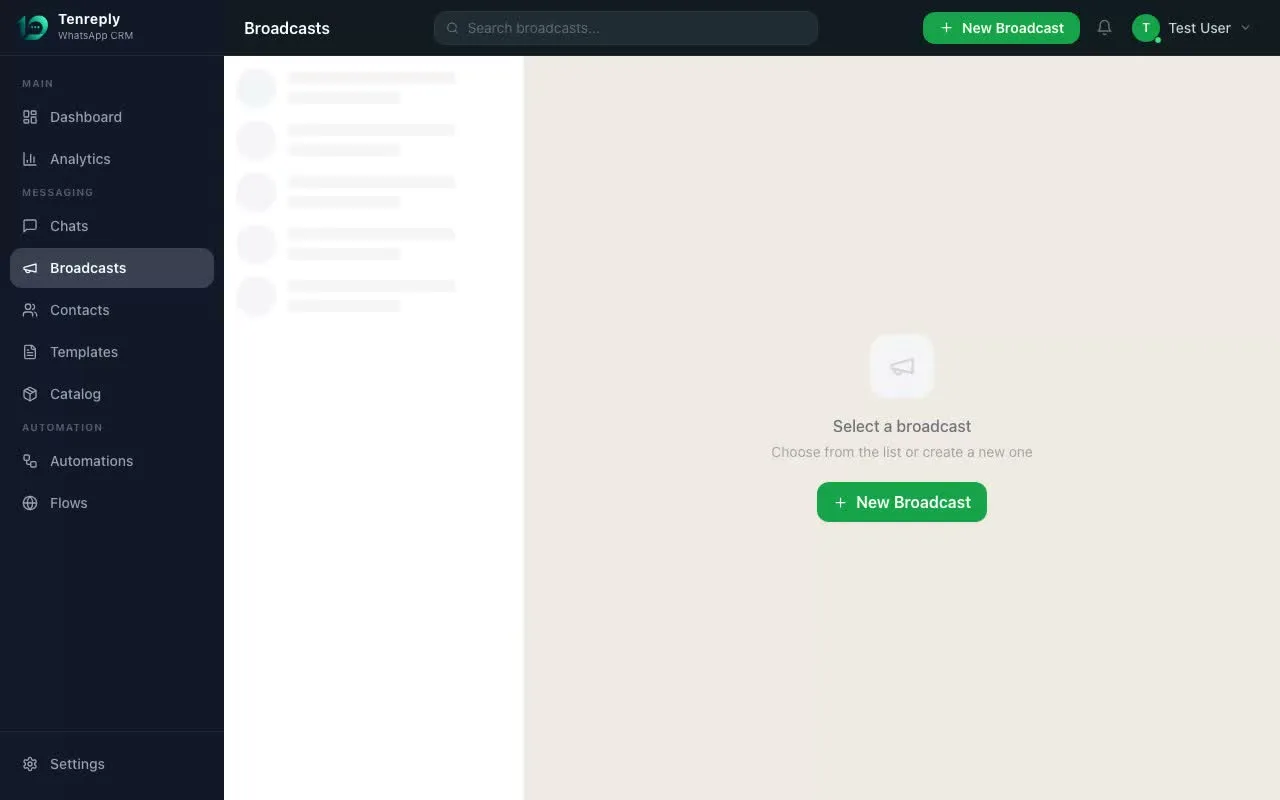
Original product recording of broadcast setup and delivery reporting.
Questions customers ask
Can I upload a purchased list?
No. A purchased or scraped number list is not a valid WhatsApp opt-in and creates severe quality and enforcement risk.
Should 10,000 messages be sent at once?
Only when the account is eligible and the team can handle replies. A staged send provides an earlier quality and operational checkpoint.
Sending WhatsApp messages to 10,000 people is entirely possible through the official WhatsApp Business API — but doing it wrong is the fastest way to get your number permanently banned. Here's the safe way to do it.
The Two Ways (Only One Is Safe)
Method
Tool
Safe?
Scale
Official API
WhatsApp Business Platform via a BSP
✓ Yes
Unlimited
Unofficial tools (WABulker, GB WhatsApp)
Unofficial automation
✗ No
Gets banned within days
Requirements Before You Send
WhatsApp Business API access — through a platform like Tenreply. Not the free Business App (caps at 256 contacts, manual only).
Approved message template — every broadcast uses a Meta-approved template. Submit → Meta approves (24–48 hours).
Opted-in contact list — you can only message people who gave explicit permission. Cold list = ban risk.
Number Warm-Up Process
Day 1–7: Max 1,000 messages/day
Day 8–30: Up to 10,000/day (quality rating permitting)
After 30 days: 100,000+/day with green quality rating
Protecting Your Quality Rating
Only message opted-in contacts
Include a clear opt-out option ("Reply STOP to unsubscribe")
Segment your list — send relevant offers to relevant segments
Personalise with variables — generic blasts have higher block rates
What Does It Actually Cost?
For 10,000 marketing messages to Indian numbers: Meta fee ~₹7,800 + platform fee ~₹1,000–₹2,000 = approximately ₹8,800–₹9,800 total.